MAKE STORIES VISUAL

AI Comic Maker

Turn your ideas into comics with AI.

Create comic strips, manga, and comic book pages from a story.
Add a reference image, then make it yours through chat.

Start with a storyAdd character referencesRefine through chatTry with free credits

ONE IDEA. SO MANY POSSIBILITIES.

What kind of story will you tell?

From your first comic strip to a world worth returning to.
Explore an example, then make the story yours.

Four-panel science-fiction comic with a radio engineer and a mysterious city signalAI-GENERATED EXAMPLE

COMIC BOOK MAKER

Give your big idea its first page.

Build a science-fiction mystery, a hero’s first adventure, or a world of your own. Describe the scene and the moments you want in each panel, then refine the page through conversation.
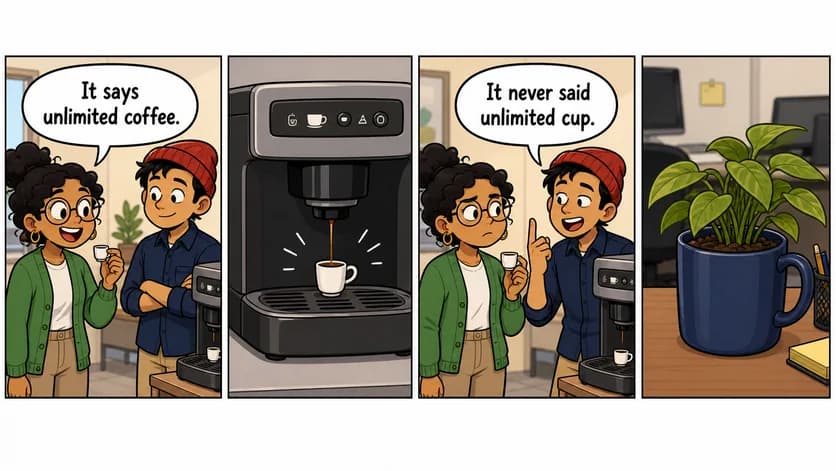
Warm newspaper-style comic about coworkers and a tiny cup of coffeeAI-GENERATED EXAMPLE

COMIC STRIP MAKER

A little setup. A very good punchline.

Turn everyday observations into short, shareable strips. Give your characters a problem, add a twist, and land the joke in a few panels. A small story can go a long way.

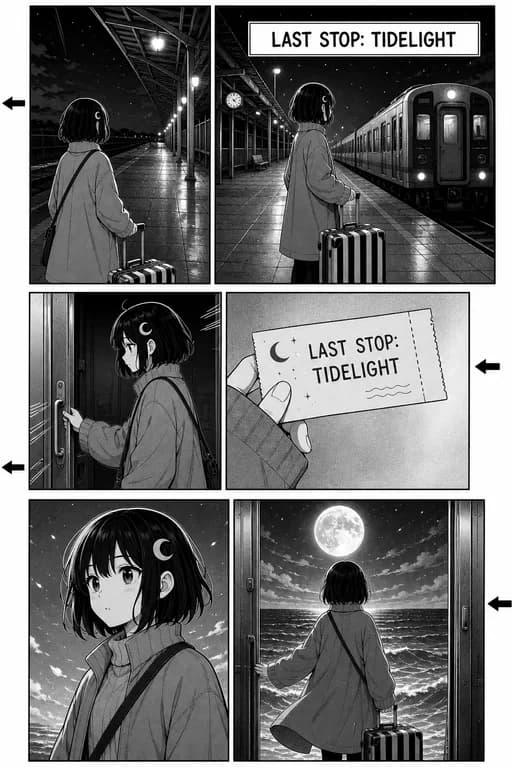
Black-and-white manga page of a traveler boarding a mysterious moonlit trainAI-GENERATED EXAMPLE

MANGA STORIES

Set the mood in black and white.

Explore dramatic close-ups, expressive ink, and quiet pauses. Include your preferred reading direction and panel count in the prompt to guide the pace of your manga scene.

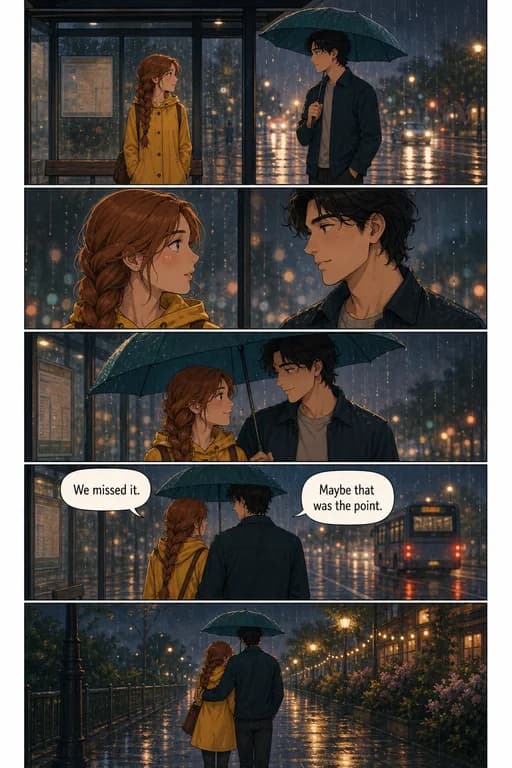
Vertical romantic webtoon showing two people sharing an umbrella in the rainAI-GENERATED EXAMPLE

WEBTOON SCENES

Make the smallest moments matter.

Create a vertical scene with room for glances, pauses, and a memorable final beat. Describe the atmosphere and emotional arc, from a rainy reunion to an unexpected friendship.

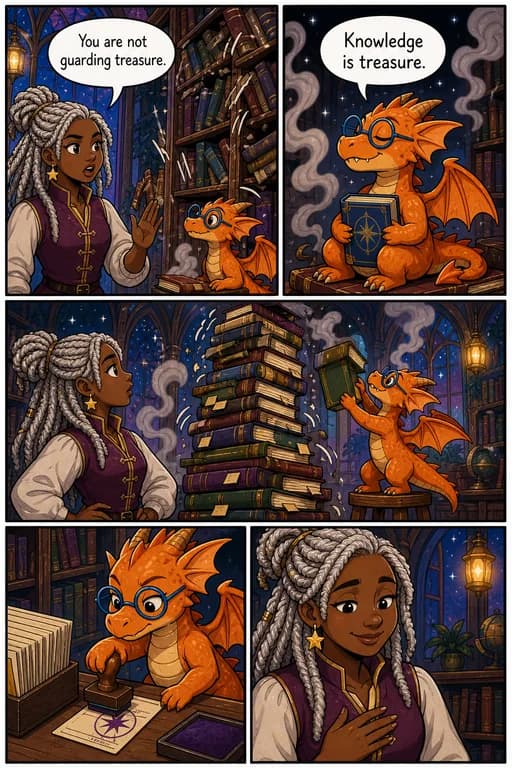
Fantasy comic with a librarian and a small orange dragon guarding booksAI-GENERATED EXAMPLE

CHARACTERS & DIALOGUE

A familiar face. A voice of their own.

Add a character reference and describe the details that matter. Write short lines for each speaker to guide the speech bubbles, then review the artwork and lettering together.

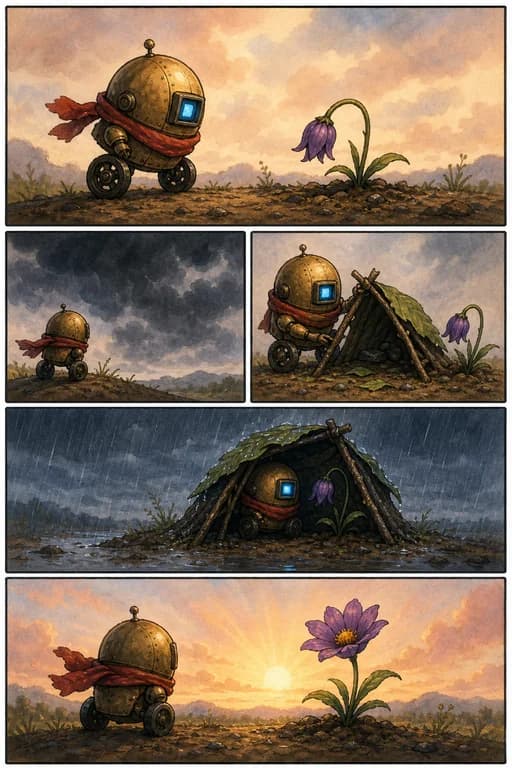
Watercolor comic of a small robot sheltering a flower through a rainstormAI-GENERATED EXAMPLE

VISUAL STORYTELLING

Tell the whole story without a word.

Let gestures, expressions, and changing scenery carry the story. Ask for a wordless comic and use one clear action per panel to build a scene anyone can follow.

MEET YOUR NEXT CREATIVE TOOL

Your story.
Now in pictures.

ComicsMuse is an AI comic maker for turning an idea, a short script, or a character reference into a comic. Bring the story; give the AI a direction for the artwork, panels, and dialogue.

Use it as a comic strip maker for a quick joke, or explore a comic book page with a bigger scene. Try manga, fantasy, or a wordless story, then keep the conversation going to refine the result.

Make your first comic

TEXT TO COMIC

How to make a comic with AI

01

Write your idea

Describe the characters, setting, and action. Our AI comic generator turns your story into a comic strip or page.

02

Add an image if you like

Upload a character or style reference to help guide the visual direction.

03

Generate and refine

Get a finished comic image, then continue the conversation to change it.

PLANS & CREDITS

More stories start here.

Start free. Upgrade when you need more room to create and refine.

GET STARTED

Free

Find out what your story could look like.

$0 forever

Limited free trial

Create a comic
  • Prompt to comic creation
  • Add image references
  • Limited trial credits
MOST POPULAR

Pro

For turning ideas into comics regularly.

$19.99 / month

Billed monthly

  • 2,000 credits each month
  • Generate and refine comics
  • Commercial use included
MORE CREATIVE ROOM

Max

For more stories, versions, and revisions.

$79.99 / month

Billed monthly

  • 20,000 credits each month
  • Generate and refine comics
  • Priority generation

Credits are shared with your connected account. Usage varies by generation. Subscriptions renew automatically; cancel future renewals any time. Vismuse handles payment and subscription management. Review the final total at checkout. Refund policy.

A BETTER BRIEF. A CLEARER STORY.

Give every panel a purpose.

A few small details help your idea read like a comic.

01

Keep the cast recognizable

Name your characters, repeat their key features, and add references for the look you have in mind.

02

Plan one beat per panel

Describe a setup, an action, and a reaction. Short scenes are easier to follow and refine.

03

Leave room for the dialogue

Keep lines brief and label the speaker. Check speech bubbles and spelling in the finished image.

04

Build a book page by page

Review each scene before moving on. Compile the finished images separately when your story is ready.

BEFORE YOUR FIRST PANEL

A few things you might be wondering.

What is an AI comic maker?

An AI comic maker turns a written idea into an illustrated comic. With ComicsMuse, you describe the characters, action, and style, optionally add reference images, and generate a comic image that you can refine through chat.

How do I make a comic book with AI?

Start with one scene and describe the panels you want on the page. Generate and refine that page, then work on the next scene. ComicsMuse creates comic images; assembling pages into a complete book or print-ready PDF is a separate step.

Can I use my own characters and reference images?

Yes. Use Add image to upload a character or style reference alongside your prompt. Describe important features such as clothing, hair, and colors, and check those details in the generated result.

Can I generate dialogue and comic speech bubbles?

You can include dialogue in your prompt and name the speaker for each line. The AI generates speech bubbles as part of the comic image. Review the lettering and ask for revisions in chat; individual bubbles are not draggable text layers.

Can I choose the style and number of panels?

Include the desired style, layout, reading direction, and panel count in your prompt. Try a short comic strip, a manga page, or a vertical webtoon scene. These instructions guide generation, so review the result and refine it as needed.

Can I edit a comic after generating it?

Yes. Continue the conversation to request changes to the scene, dialogue, colors, or character details. Describe the change clearly and review the new image before saving it.

Is ComicsMuse free to try?

The Free plan includes limited trial credits. Paid plans provide monthly credits for more generation and revisions. Check your account balance and the pricing section for the current plan details.

Do I need to know how to draw?

No drawing experience is required. Start with a simple scene, explain what happens in each panel, and add a visual reference if you have one. You direct the story while the AI creates the artwork.

THE NEXT STORY IS YOURS

Let’s make something
worth reading.

A character. A little conflict. An idea you can’t let go of.
That’s enough to start.

Create your comic Explore plans